Understand the challenge.
Compare tracks, datasets, metrics, prizes, rules, dates, and organizers. Use this site to find the right next destination.
Explore the tracks →This guide takes you from choosing a track to submitting a trained model. NeuralBench offers optional start kits, public baselines, and a development environment, but you may use your own pipeline. Registration, submission rules, uploads, and official evaluation are handled on Codabench.
This website is your map. NeuralBench is the recommended optional preparation environment. Codabench is the official participation and evaluation platform.
Compare tracks, datasets, metrics, prizes, rules, dates, and organizers. Use this site to find the right next destination.
Explore the tracks →Use the NeuralBench start kits to access public task examples, reproduce baselines, and develop or train models in a common environment.
Choose a NeuralBench start kit ↓Read the Participation guidelines, register for each track, upload your trained model package, and receive official scores.
Open a Codabench track portal ↓Each NeuralBench guide is a track-specific start kit with public development data, explicit train, validation, and test splits, a baseline, and a reference result. Following it once gives you a verified pipeline before you introduce your own model, but it is not required. The reference results below belong to the named development datasets and are not Codabench warm-up leaderboard scores.
pip install neuralbenchneuralbench eeg image --downloadneuralbench eeg image --prepareneuralbench eeg image -m eegnet --debug
Install NeuralBench once, download the public data, prepare the cache, and verify the pipeline with a short EEGNet run.
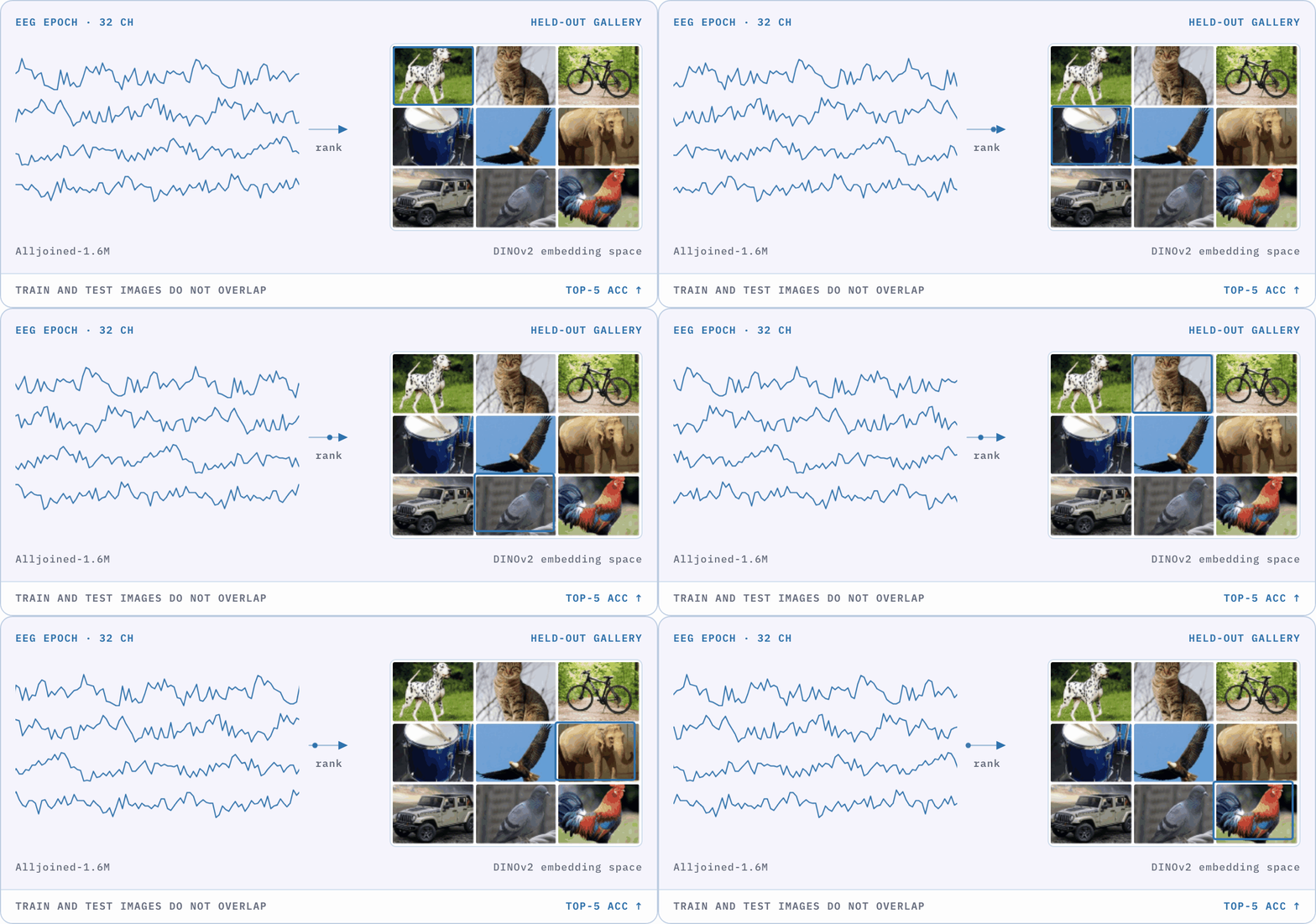
Baseline results obtained on THINGS-EEG2 (Gifford2022Large), using the split defined in the Track 01 NeuralBench start kit.
configs/img/eegnet.yamlconfigs/img/reve_frozen.yamlReference values: Mean ± standard deviation from NeuralBench (Banville et al., 2026), Table 1.
pip install neuralbench 'moabb>=1.7.1'neuralbench eeg motor_imagery --downloadneuralbench eeg motor_imagery --prepareneuralbench eeg motor_imagery -m eegnet --debug
Install the MOABB data dependency, download the public analogue, prepare its cache, and verify the EEGNet pipeline.
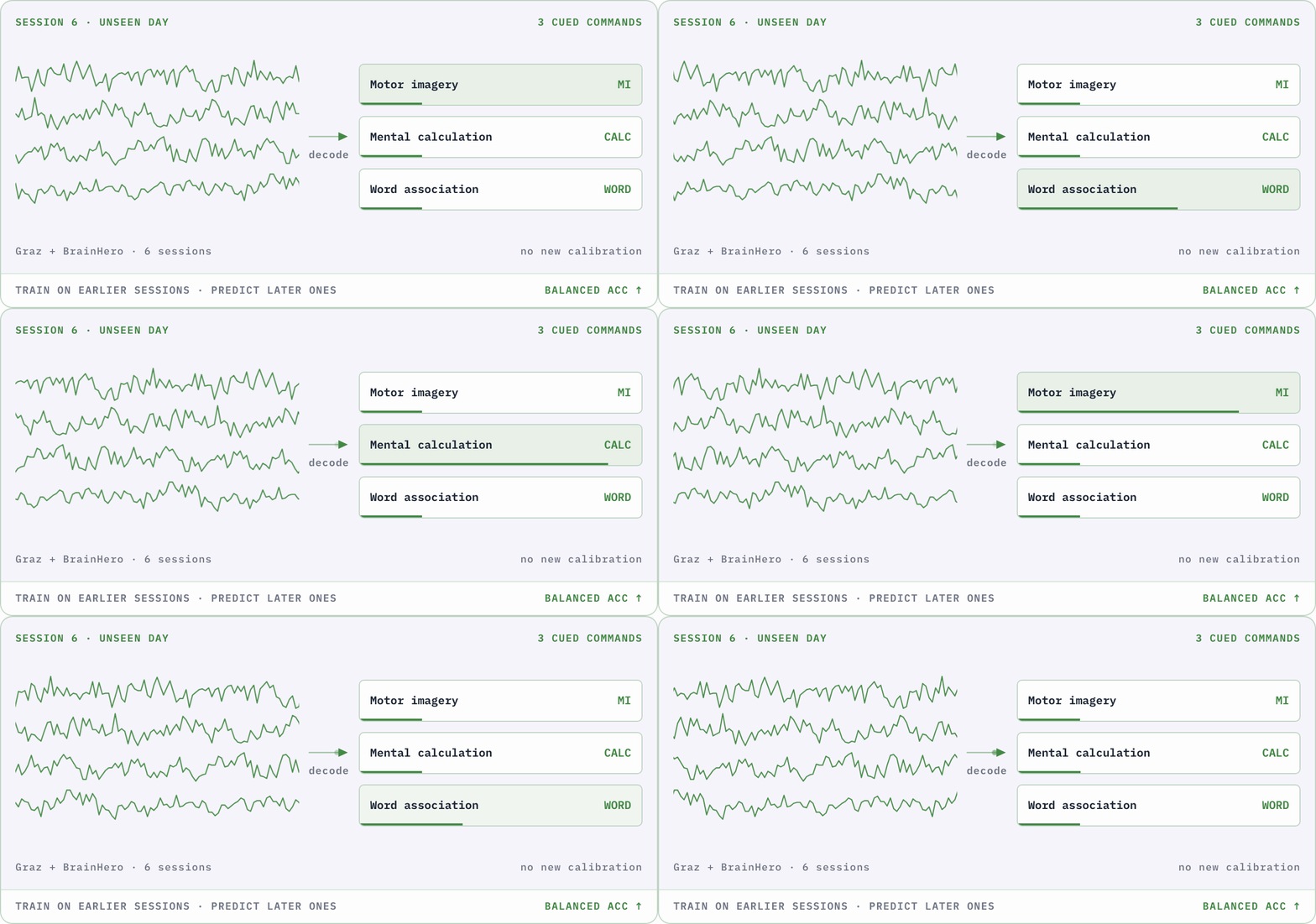
Baseline results obtained on Stieger 2021 (Stieger2021Continuous), a four-class motor-imagery dataset, using the split defined in the Track 02 NeuralBench start kit. Codabench currently uses Dreyer 2023 for warm-up evaluation, so these are not Codabench warm-up scores.
configs/bci/eegnet.yamlconfigs/bci/reve.yamlReference values: Mean ± standard deviation from NeuralBench (Banville et al., 2026), Table 1.
pip install neuralbenchneuralbench eeg sleep_onset --downloadneuralbench eeg sleep_onset --prepareneuralbench eeg sleep_onset -m eegnet --debug
Install NeuralBench once, download Sleep-EDF, prepare the cache, and verify the sleep-onset pipeline with a short EEGNet run.
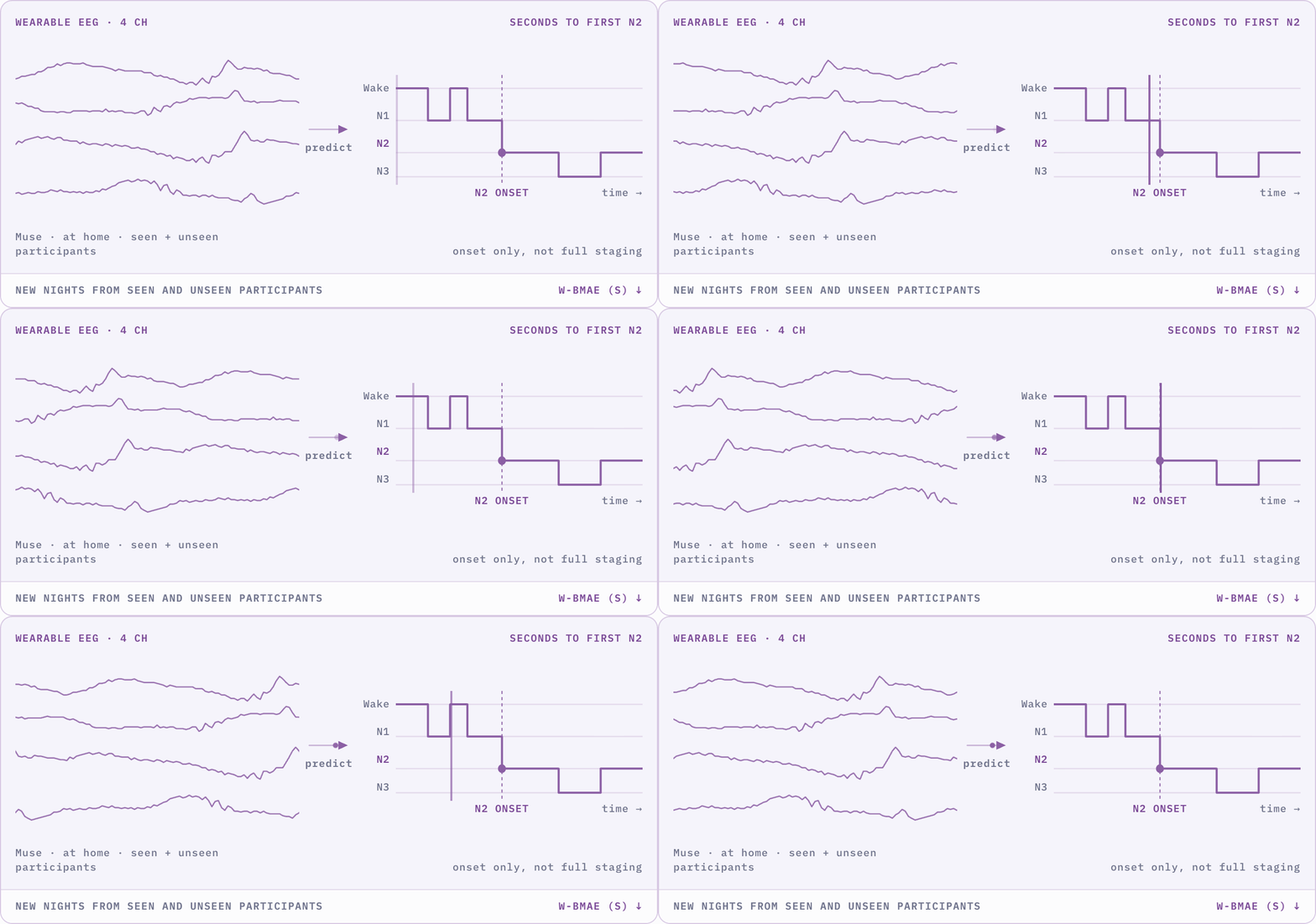
Baseline results obtained on Sleep-EDF (Kemp2000Analysis), using the participant-level split defined in the Track 03 NeuralBench start kit.
configs/sleep/eegnet.yamlconfigs/sleep/reve.yamlReference values: Mean ± standard deviation from NeuralBench (Banville et al., 2026), Table 1. Here, bMAE is the unweighted mean of the MAE computed within each non-empty time-to-onset bin.
pip install neuralbench 'eegdash>=0.8.2'neuralbench emg pose -m vemg2pose --downloadneuralbench emg pose -m vemg2pose --prepareneuralbench emg pose -m vemg2pose --debug
Install the EEGDash data dependency, then use VEMG2Pose for downloading, caching, and the debug run so every window has the required context.
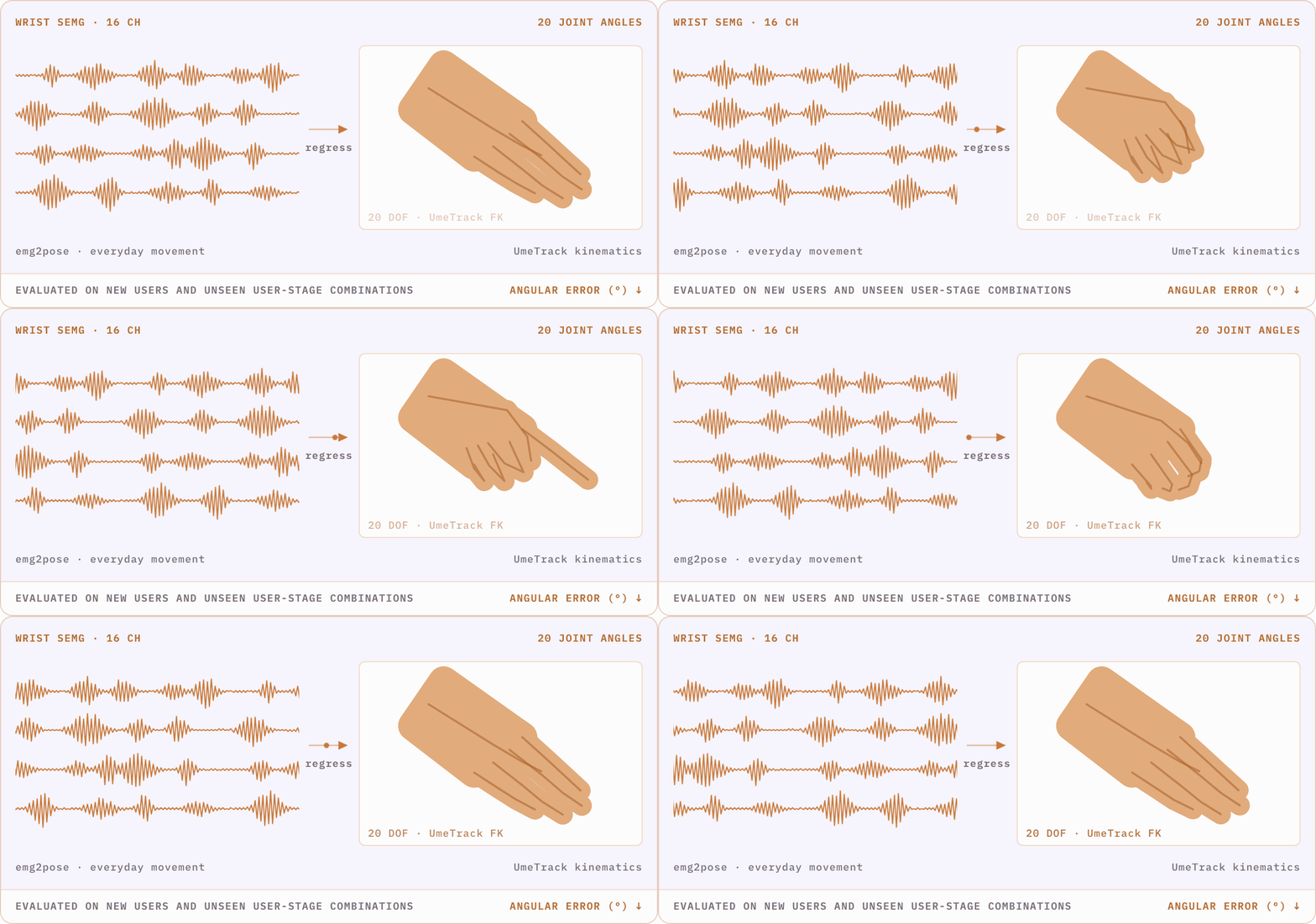
Baseline result obtained on public EMG2Pose (Salter2024Emg2pose), using the task split defined in the Track 04 NeuralBench start kit.
tasks/emg/pose/config.yamlReference values: Mean ± standard deviation from NeuralBench (Banville et al., 2026), Table 1.
Both paths are valid. What matters is that you finish with a trained model that respects the task and can be exposed through the Codabench submission contract.
Reuse its data access, task definitions, metrics, and reference baselines. You can reproduce a published model, add your own architecture, or build upon the provided workflow.
Explore NeuralBench ↗Train with your preferred codebase and permitted data. NeuralBench does not need to be part of your training stack or final submission, provided your trained model satisfies the track input, output, and packaging contract.
Review track requirements →Same destination: Whatever the training path, Codabench receives a trained model for final evaluation.
Once your model is trained, open the Codabench Participation tab for your track. It introduces you to the submission contract. Follow it to package your model, upload it through My Submissions, and confirm that your score reaches the leaderboard.
Two evaluation stages: Warm-up scores use public test data and are indicative. Codabench switches to the private 2026 cohorts for the sealed phase, and only sealed scores determine the final ranking.